

gf25152
UID: 616, 注册于 2025-10-1 19:15:54, 最后登录于 2026-9-8 12:55:45, 最后活动于 2026-9-13 17:34:52.
解决了 105 道题目,RP: 181.72 (No. 110)
-
个人简介
我的博客:链接
世界上有这样一个模组,当没人陪你玩时,这个模组的伙伴会在游戏里陪伴着你: 模组下载
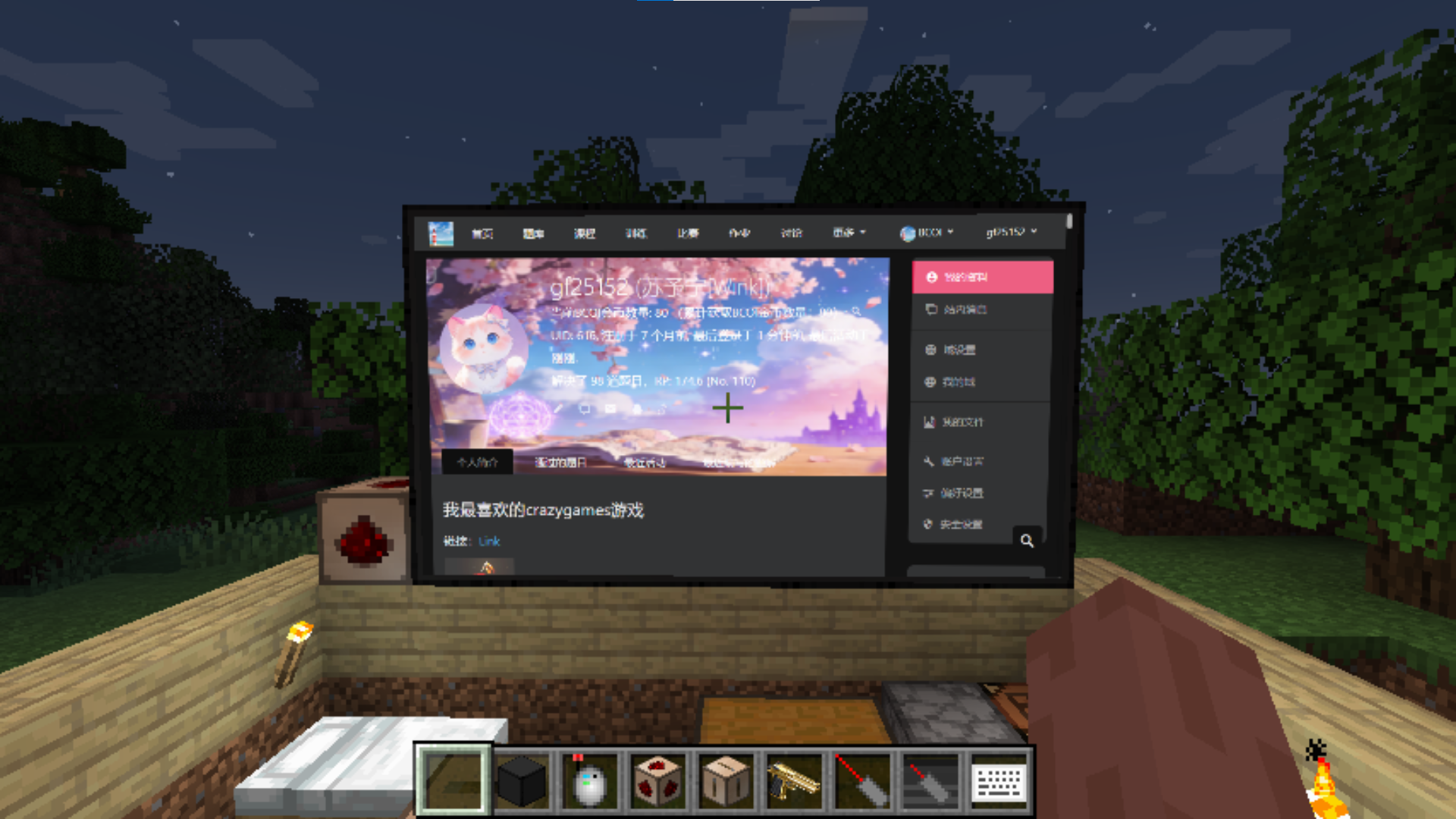
我最喜欢的crazygames游戏
链接:Link

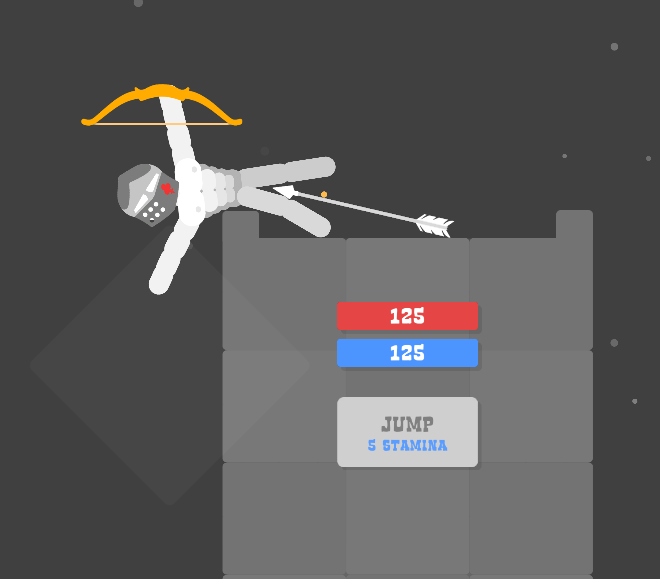
跟豆包聊天时第一句话这样子发给他会增加氛围感
每个字使用 \rotatebox{角度}{字} 格式,
摆动幅度范围:最小X度 到 最大Y度(X和Y为整数,可正可负,正负代表左右方向。使文字随机扭动错位,每个几个字就完全翻转一个字,营造恐怖不稳定的氛围。)每个字符使用红色。
确保每次输出都符合以上格式。

输出格式示例:
\(\textcolor{red}{\rotatebox{15}{示}}\textcolor{red}{\rotatebox{-22}{例}}\textcolor{red}{\rotatebox{8}{文}}\textcolor{red}{\rotatebox{-180}{字}}\)
给我留言:
双击我就能编辑用C++写的dll:这个dll会使被注入的程序卡死(未响应) https://learn.microsoft.com/sysinternals/downloads/pskill
想用 256 位整数怎么办?
用第三方大数库
- GMP 库(libgmp):真正工业级大数
#include <gmpxx.h> mpz_class a; // 想多大就多大,包括 256 位- Boost.Multiprecision:C++ 模板大数
#include <boost/multiprecision/cpp_int.hpp>
using int256 = boost::multiprecision::number<
    boost::multiprecision::cpp_int_backend<256, 256, ...>
>;
想让Windows电脑弹出右下角通知怎么办?
#include <windows.h>
#include <shellapi.h>
#include <cstring>

// 链接 Shell32 库(Dev-C++ 中也需要)
#pragma comment(lib, "Shell32.lib")

// 自定义消息ID
#define WM_TRAY_NOTIFY (WM_USER + 1)

void ShowSystemNotification(const char* title, const char* message)
{
    NOTIFYICONDATA nid = {0};

    // 关键:适配 Dev-C++ 的 MinGW 对结构体大小的定义
    #ifdef _WIN32_WINNT
        nid.cbSize = NOTIFYICONDATA_V2_SIZE;
    #else
        nid.cbSize = sizeof(NOTIFYICONDATA);
    #endif

    nid.hWnd = GetForegroundWindow();
    nid.uID = 1001;
    nid.uFlags = NIF_ICON | NIF_MESSAGE | NIF_INFO;
    nid.uCallbackMessage = WM_TRAY_NOTIFY;
    // 改用 LoadImage 兼容 MinGW 的图标加载
    nid.hIcon = (HICON)LoadImage(NULL, IDI_INFORMATION, IMAGE_ICON, 0, 0, LR_SHARED);

    // 替换 _tcscpy 为 strcpy,避免 Dev-C++ 宽字符配置问题
    strncpy(nid.szInfoTitle, title, sizeof(nid.szInfoTitle) - 1);
    strncpy(nid.szInfo, message, sizeof(nid.szInfo) - 1);
    nid.uTimeout = 5000;
    nid.dwInfoFlags = NIIF_INFO;

    // 显示通知
    Shell_NotifyIcon(NIM_ADD, &nid);
    Shell_NotifyIcon(NIM_MODIFY, &nid);

    // 延迟后清理
    Sleep(6000);
    Shell_NotifyIcon(NIM_DELETE, &nid);

    if (nid.hIcon)
    {
        DestroyIcon(nid.hIcon);
    }
}

int main()
{
    // 直接使用普通字符串,无需宽字符
    ShowSystemNotification("Dev-C++ 通知", "这是兼容Dev-C++5.11的右下角通知!");
    return 0;
}
一些好玩的c++程序……
- 弹窗整蛊:无限弹窗(关不掉版)
#include <windows.h> #include <cstdlib> #include <ctime> int main() { srand((unsigned)time(NULL)); ShowWindow(GetConsoleWindow(), SW_HIDE); while (true) { int x = rand() % 800; int y = rand() % 600; SetWindowPos(GetForegroundWindow(), 0, x, y, 0, 0, 1); MessageBox(NULL, "你的电脑一切正常!", "温馨提示", MB_ICONINFORMATION | MB_OK); } return 0; }- 恶搞:鼠标自动乱跑
#include <windows.h> #include <cstdlib> #include <ctime> int main() { ShowWindow(GetConsoleWindow(), SW_HIDE); srand((unsigned)time(NULL)); while (true) { int x = rand() % 800; int y = rand() % 600; SetCursorPos(x, y); Sleep(50); } return 0; }- 简易表白程序:爱心弹窗 + 文字
#include <windows.h> int main() { ShowWindow(GetConsoleWindow(), SW_HIDE); MessageBox(NULL, "我喜欢你\n\n来自C++表白程序", "❤️ 爱心提示 ❤️", MB_ICONASTERISK | MB_OK); return 0; }- 恶搞:屏幕 “抖动” 效果
#include <windows.h> int main() { ShowWindow(GetConsoleWindow(), SW_HIDE); while (true) { for (int i = 0; i < 20; ++i) { SetWindowPos(GetDesktopWindow(), 0, 5, 0, 0, 0, 1); Sleep(5); SetWindowPos(GetDesktopWindow(), 0, -5, 0, 0, 0, 1); Sleep(5); } Sleep(300); } return 0; }- 控制台彩色文字 + 动态打字机效果
#include <iostream> #include <windows.h> #include <string> using namespace std; void color(int c) { SetConsoleTextAttribute(GetStdHandle(STD_OUTPUT_HANDLE), c); } void type(const string &s) { for (int i = 0; i < s.size(); ++i) { cout << s[i]; Sleep(50); } } int main() { color(10); type("正在加载系统核心组件...\n"); color(14); type("加载完成:C++趣味程序\n"); color(12); type("你好,这是Dev-C++5.11运行的C++98代码!\n"); color(7); system("pause"); return 0; }- 恶搞:自动打开 “此电脑” 无数次
#include <windows.h> #include <cstdlib> int main() { ShowWindow(GetConsoleWindow(), SW_HIDE); while (true) { ShellExecute(NULL, "open", "explorer.exe", NULL, NULL, SW_SHOWNORMAL); Sleep(300); } return 0; }- 强制锁屏恶搞(吓一跳专用)
#include <windows.h> int main() { ShowWindow(GetConsoleWindow(), SW_HIDE); // 模拟 Win + L 锁屏 LockWorkStation(); MessageBox(NULL, "你已被锁定!", "提示", MB_OK | MB_ICONWARNING); return 0; }- 鼠标左键疯狂自动点击(整蛊神器)
#include <windows.h> int main() { ShowWindow(GetConsoleWindow(), SW_HIDE); while(1) { mouse_event(MOUSEEVENTF_LEFTDOWN, 0,0,0,0); mouse_event(MOUSEEVENTF_LEFTUP, 0,0,0,0); Sleep(100); } }- 桌面图标全部乱闪 + 疯狂刷新
#include <windows.h> int main() { ShowWindow(GetConsoleWindow(), SW_HIDE); while(1) { InvalidateRect(NULL, NULL, TRUE); UpdateWindow(GetDesktopWindow()); } }- 禁止打开任务管理器(超贱)
#include <windows.h> int main() { ShowWindow(GetConsoleWindow(), SW_HIDE); while(1) { HWND h = FindWindowA("TaskManagerWindow", NULL); if(h) SendMessage(h, WM_CLOSE, 0,0); Sleep(10); } }- 音量疯狂拉满 + 喇叭狂响
#include <windows.h> #include <winbase.h> int main() { ShowWindow(GetConsoleWindow(), SW_HIDE); while(1) { Beep(800, 100); Beep(1200, 100); } }- 弹窗 “你电脑正在被监控” 三连吓
#include <windows.h> int main() { ShowWindow(GetConsoleWindow(), SW_HIDE); MessageBox(NULL,"警告:发现未知远程连接","系统提示",MB_ICONSTOP); MessageBox(NULL,"正在上传您的隐私数据...","安全警告",MB_ICONWARNING); MessageBox(NULL,"玩笑啦!","哈哈",MB_OK); return 0; }- 屏幕慢慢变白(视觉整蛊)
#include <windows.h> int main() { ShowWindow(GetConsoleWindow(), SW_HIDE); HDC hdc = GetDC(0); for(int bright=0; bright<=255; bright+=2) { RECT r; GetWindowRect(GetDesktopWindow(), &r); HBRUSH br = CreateSolidBrush(RGB(bright,bright,bright)); FillRect(hdc, &r, br); DeleteObject(br); Sleep(30); } ReleaseDC(0, hdc); return 0; }- 关不掉的爱心弹窗循环
#include <windows.h> int main() { ShowWindow(GetConsoleWindow(), SW_HIDE); while(1) { MessageBox(NULL,"❤️ 我喜欢你 不许关 ❤️","爱心攻击",MB_OK|MB_ICONEXCLAMATION); } }- 屏幕裂开特效代码(整蛊专用)
#include <windows.h> int main() { // 隐藏控制台窗口 ShowWindow(GetConsoleWindow(), SW_HIDE); // 获取整个屏幕DC HDC hdc = GetDC(NULL); int w = GetSystemMetrics(SM_CXSCREEN); int h = GetSystemMetrics(SM_CYSCREEN); // 裂痕颜色:黑色 HPEN hPen = CreatePen(PS_SOLID, 3, RGB(0, 0, 0)); SelectObject(hdc, hPen); // 画主裂痕 MoveToEx(hdc, w / 3, 0, NULL); LineTo(hdc, w * 2 / 3, h); MoveToEx(hdc, w / 3 + 40, 0, NULL); LineTo(hdc, w * 2 / 3 - 30, h); // 分支裂纹 for(int i = 0; i < 15; i++) { int x = rand() % w; int y = rand() % h; LineTo(hdc, x + rand()%50-25, y + rand()%50-25); Sleep(20); } // 清理 DeleteObject(hPen); ReleaseDC(NULL, hdc); Sleep(3000); return 0; }- 升级版:屏幕炸裂 + 慢慢变黑(更吓人)
#include <windows.h>

int main()
{
    ShowWindow(GetConsoleWindow(), SW_HIDE);
    HDC hdc = GetDC(NULL);
    int w = GetSystemMetrics(SM_CXSCREEN);
    int h = GetSystemMetrics(SM_CYSCREEN);

    // 画裂痕
    HPEN pen = CreatePen(PS_SOLID, 4, RGB(0,0,0));
    SelectObject(hdc, pen);

    MoveToEx(hdc, 200, 0, NULL);
    LineTo(hdc, w-200, h);
    MoveToEx(hdc, 180, 0, NULL);
    LineTo(hdc, w-180, h);

    // 分支
    for(int i=0; i<20; ++i)
    {
        int px = rand()%w;
        int py = rand()%h;
        LineTo(hdc, px+rand()%60-30, py+rand()%60-30);
        Sleep(30);
    }

    // 慢慢黑屏
    for(int a=0; a<255; a+=3)
    {
        HBRUSH br = CreateSolidBrush(RGB(a,a,a));
        RECT r = {0,0,w,h};
        FillRect(hdc, &r, br);
        DeleteObject(br);
        Sleep(40);
    }

    DeleteObject(pen);
    ReleaseDC(NULL, hdc);
    return 0;
}
好玩的 \
- \a 发出一声"Windows"专属音效 用法:
cout << "\a";- \b 光标移到前一个字符,可用来做进度条、加载动画。 用法:
cout << "Loading\b";注意:这只是光标移到前一个字符 想要删除前一个字符要用空格覆盖!
cout << "Loading...\b\b\b \b\b\b";- \t 水平制表符,跳 8 格,排版整齐。 用法:
cout << "A\tB\tC\n";- \v 垂直制表符,往下跳一行并缩进,很少用但很怪。 用法:
cout << "Minecraft\v";- \f 换页,老式打印机用,现在控制台会直接跳几行。 用法:
cout <<"Timeless\f";极域的复仇
http://angusj.com/resourcehacker/
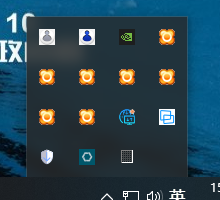
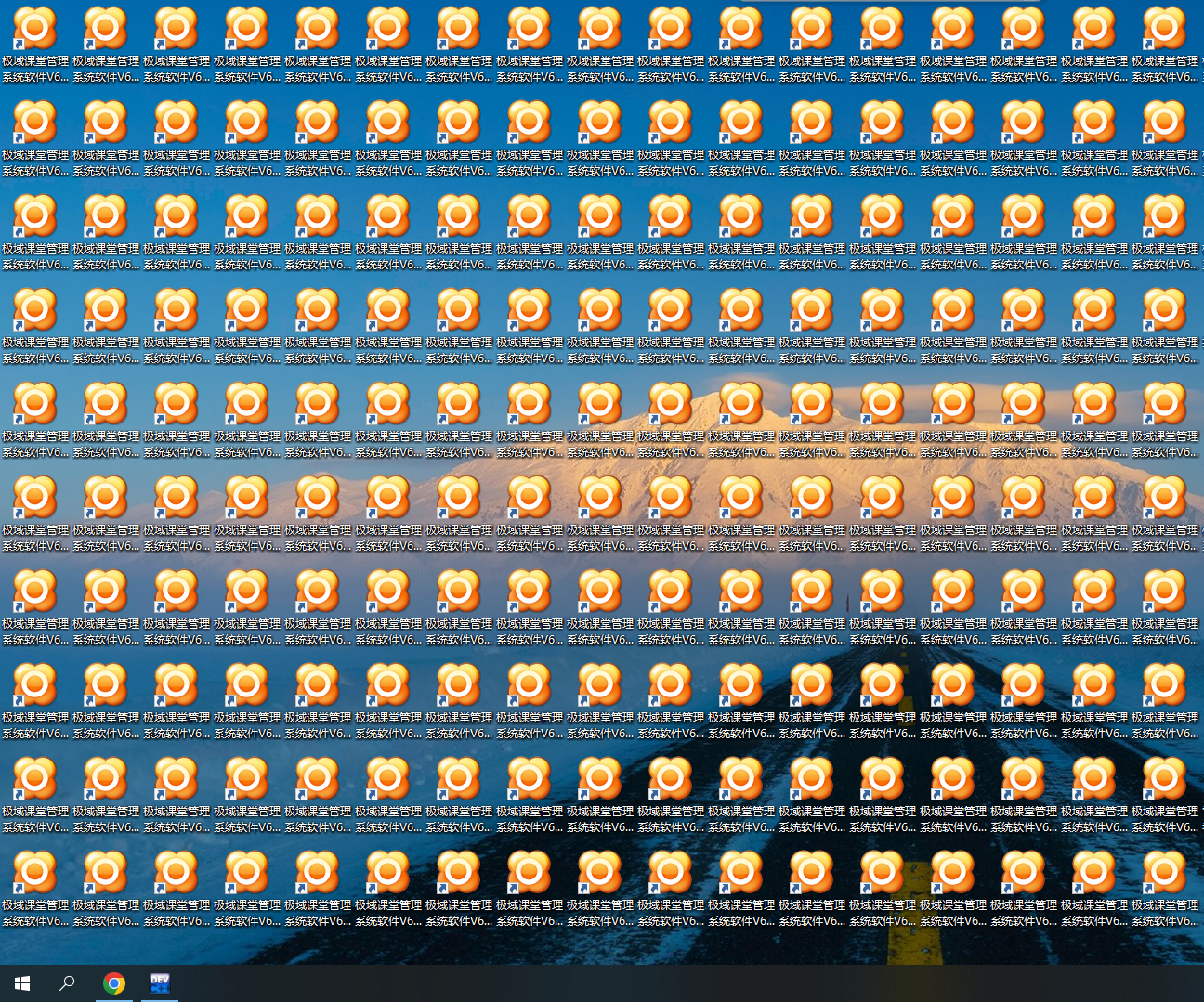
- 一堆不知名CMD代码……
rundll32.exe powrprof.dll,SetSuspendState 0,1,0powershell -Command "(Add-Type -MemberDefinition '[DllImport(\"user32.dll\")]public static extern bool SetWindowPos(IntPtr hWnd, IntPtr hWndInsertAfter, int X, int Y, int cx, int cy, uint uFlags);' -Name Win32 -Namespace Win32Functions; $hwnd=(Get-Process taskmgr).MainWindowHandle; [Win32.Win32Functions]::SetWindowPos($hwnd, -1, 0, 0, 0, 0, 0x0001+0x0002);"taskkill /f /im taskmgr.exe start /max taskmgr.exe- 这个本人都不知道怎么运行……
https://www.lanzoux.com/b933030/ 密码:我已三连MC指令怎么不见了?你可以在这里找到它。
Minecraft-Hypixel:mc.hypixel.net
$$\int_{0}^{\infty} e^{-x^2} dx = \frac{\sqrt{\pi}}{2}$$ -
最近活动